ChatGPT vs Claude: Which AI Is Better for Content Creation?
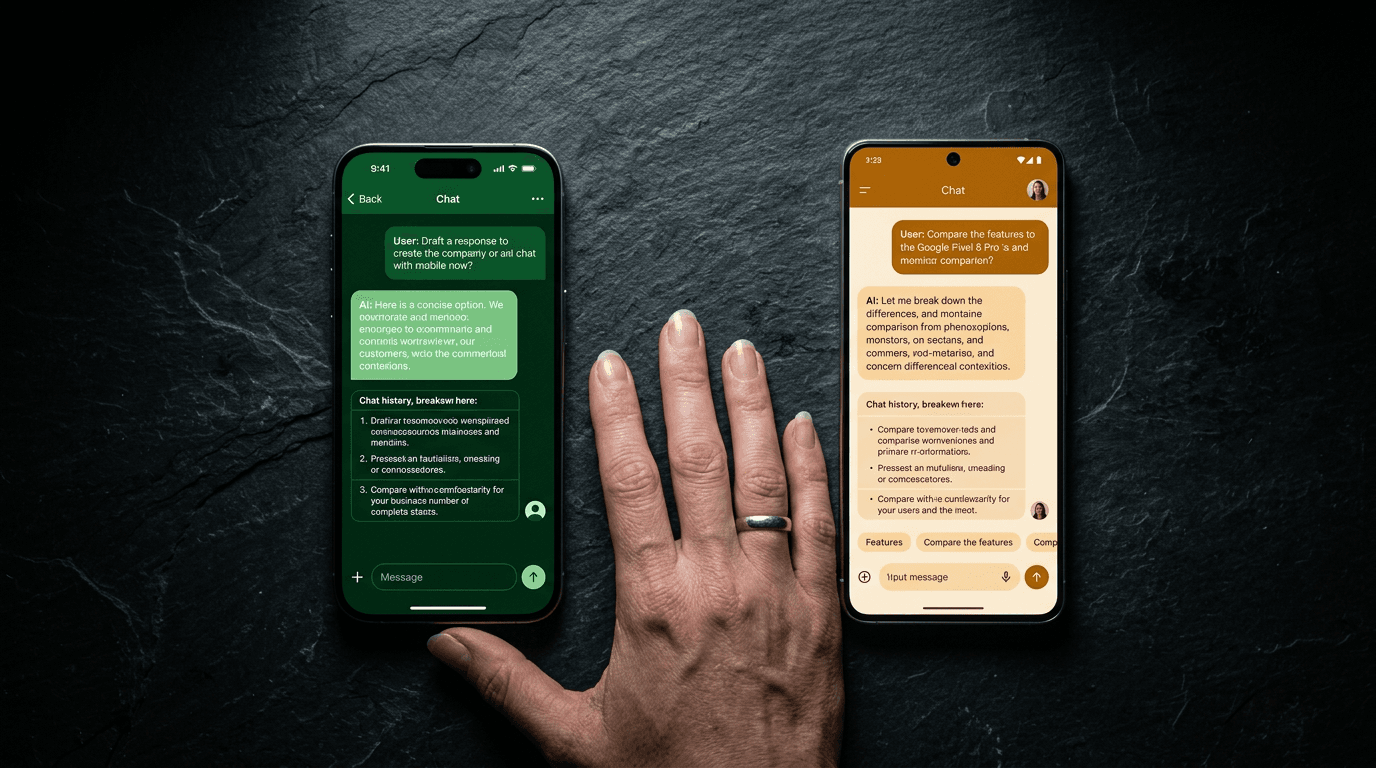
If you are creating content for your business, whether that is LinkedIn posts, blog articles, client emails, or proposals, you have probably wondered which AI tool does it better. ChatGPT gets most of the headlines. Claude, made by Anthropic, is quieter but increasingly popular with professionals who write for a living.
I use both. ChatGPT is what I train most clients on because it is what they know. Claude is my primary tool for content production, client work, and system building. This is not a theoretical comparison. It is based on daily use across both platforms, and I will be honest about where each one wins and loses.
Writing Quality: How the Output Reads
ChatGPT produces solid first drafts quickly. It handles a wide range of topics and formats well. The default writing style tends to be clean and professional, though it can lean American English and slightly formal unless you direct it otherwise.
Claude writes more naturally. The output tends to feel more conversational and less templated. For UK English content specifically, Claude is better out of the box. It respects British spelling conventions more consistently and produces prose that reads like a person wrote it rather than an AI.
Neither tool is perfect on the first attempt. Both need refining. But Claude generally requires less editing for tone, while ChatGPT sometimes needs a second pass to strip out filler phrases and corporate language.
For business owners who want content that sounds like them, both tools can get there. Claude tends to get there faster.
Brand Voice and Personalisation
This is where the tools diverge most.
ChatGPT uses Custom Instructions and, more recently, Projects. Custom Instructions let you set a persistent personality and context that applies to every conversation. Projects let you upload reference documents (brand guidelines, tone of voice files, example content) that ChatGPT can reference during the conversation. This works well for solo users who want consistency without repeating themselves.
Claude uses Projects in a similar way, but Claude Code takes this further. In Claude Code, you can set up a full workspace with system files, rules, and skills that load automatically every session. Your brand voice, content guidelines, and writing rules are always active. You do not need to paste them in or remember to set them up.
For a solo founder or small team, ChatGPT Projects is straightforward and effective. For anyone building a repeatable content system, Claude Code offers more structure and reliability.
Content Systems: Beyond Single Prompts
Generating one piece of content is one thing. Building a system that produces content consistently is another.
ChatGPT handles individual content tasks well. Ask it to write a LinkedIn post, and it will do a good job. Ask it to write 14 LinkedIn posts that follow a specific editorial calendar, use different hook patterns, vary the content types, and maintain a consistent brand voice across all of them, and it starts to drift. You need to manage the consistency yourself.
Claude Code is built for systems. I use it to run a three-agent content team: a Research Agent that finds topics and writes briefs, a Writer Agent that produces drafts across LinkedIn, Instagram, and blog, and a Marketing Manager agent that runs quality checks. The system produces batches of content from a single session.
This is not about Claude being "smarter." It is about Claude Code being designed for multi-step, structured workflows. ChatGPT can do similar things with Custom GPTs and the API, but it requires more setup and more manual coordination.
Common Prompt Mistakes That Affect Both Tools
Regardless of which tool you choose, the same mistakes will hurt your output.
Not specifying UK English. Both tools default to American English unless told otherwise. Always include "Use UK English" or "British English spelling and grammar" in your prompt or system instructions.
Skipping the context. "Write a blog post about AI" gives you something generic. "Write an 800-word blog post for UK marketing agency owners who are sceptical about AI, explaining three practical use cases they can implement this month, in a direct and conversational tone" gives you something useful.
Not providing examples. If you have a piece of content that matches your voice, paste it in and say "write in this style." Both ChatGPT and Claude learn from examples faster than from descriptions of tone.
Trying to do too much in one prompt. Break complex content tasks into stages: outline first, then expand each section, then refine the tone. Both tools produce better work when focused on one step at a time.
The Practical Verdict
There is no single "better" tool. It depends on what you need.
Choose ChatGPT if: you want a simple, familiar interface for daily content tasks. You are a solo founder or small team. You want something that works well without building a system around it. Custom Instructions and Projects will cover most needs.
Choose Claude if: you want to build a repeatable content production system. You write a lot and need consistent brand voice across batches. You are willing to invest time in setting up Claude Code or Projects properly.
Choose both if: you want the best of each. Use ChatGPT for quick, ad hoc content tasks. Use Claude for structured, batch content production.
The tool will keep changing. The workflow you build around it will keep working regardless. Focus on the system, not the subscription.
Founder of Stepping Stones AI. I help business owners and marketing teams get practical with AI so they stop wasting time on tasks a machine could handle.
Want to learn how to use AI properly?
Book a free alignment call and we'll work out where ChatGPT can save you the most time.
Book a Friendly Call