Claude Code Plan Mode: How to Plan Before You Build (and Why It Matters)
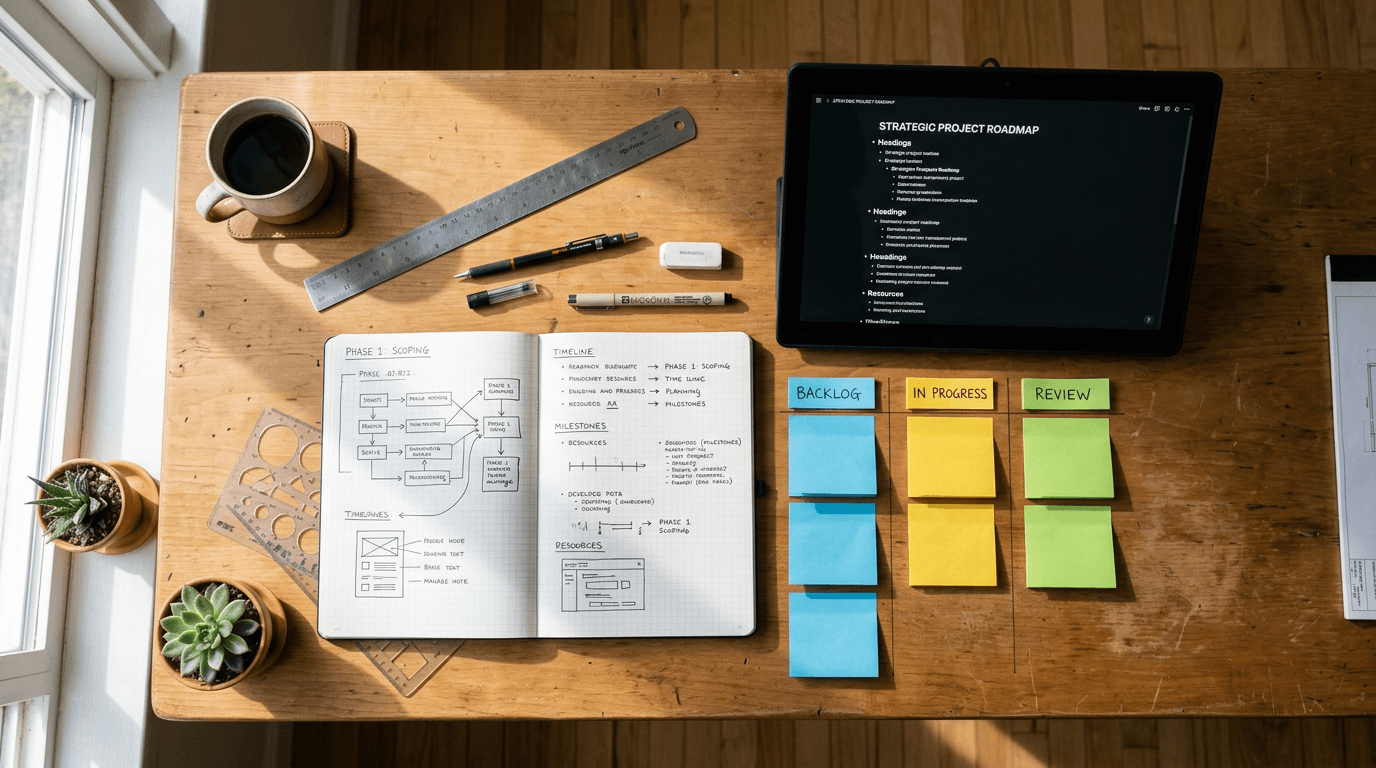
The biggest mistake people make with Claude Code is jumping straight into building.
You describe what you want. Claude starts writing code, creating files, setting up folders. Twenty minutes later, the structure is wrong, the naming is inconsistent, and you're patching things together instead of building something clean.
Plan Mode prevents this. It's the step between "here's what I want" and "start building." Claude maps out the architecture, the file structure, the dependencies, and the order of operations. You review it. Adjust it. Then execute it with confidence that the foundations are right.
I use it for every project now. Here's how it works, when to use it, and how to get the most out of it.
What Claude Code Plan Mode Actually Is
Plan Mode is a feature in Claude Code that separates planning from execution. Instead of asking Claude to build something and watching it go, you ask Claude to plan it first.
The output is a structured plan document that includes what will be built, how the files and folders will be organised, what dependencies exist, what order the work should happen in, and any decisions that need to be made before building starts.
The plan gets saved as a markdown file. You read it, make changes, ask questions, and only when you're happy do you tell Claude to implement it.
The command is simple: /create-plan followed by a description of what you want. Claude produces the plan. Then /implement followed by the plan file path tells Claude to build it step by step.
When to Use Plan Mode
Not everything needs a plan. If you're asking Claude to write a single function, fix a bug, or edit a file, just ask directly.
Plan Mode earns its place when the project has multiple files, decisions, or a structure that needs to be right from the start. Here are three practical examples.
Planning a website. Before building any page, route, or component, a plan lays out the full site structure. Which pages exist. How they connect. What the navigation looks like. What the folder structure is. Without this, you end up with pages in the wrong folders, inconsistent naming, and a navigation that doesn't match the site map.
Planning a content system. If you're building a content pipeline (databases, templates, workflows, automation), a plan maps out which pieces need to exist before others can work. The database schema comes before the workflow. The templates come before the content. Get the order wrong and you're rebuilding things you already built.
Planning a client onboarding flow. For agencies building automations, the plan covers what data gets collected, where it goes, what triggers what, and what the client sees at each stage. This is the kind of project where a wrong assumption at step 2 breaks everything at step 8. The plan catches that before any code is written.
Step-by-Step: How to Use Plan Mode
Step 1: Describe what you want to build. Be specific. Instead of "build me a website," say "build a 5-page Next.js website with a home page, services page, about page, blog listing page, and contact page. Use the existing brand colours and fonts from the design tokens file. Include a responsive navigation bar and a footer with social links."
The more detail you give, the better the plan.
Step 2: Run /create-plan. Claude produces a markdown plan file and saves it to your plans/ folder with a date-stamped filename. The plan includes the file structure, the build order, any decisions or assumptions, and notes on what needs clarification.
Step 3: Review the plan. Read it. Does the file structure make sense? Is the build order logical? Are there any assumptions you disagree with? This is the cheapest time to make changes. Moving a folder in a plan document takes 5 seconds. Moving a folder after 20 files have been created in it takes 20 minutes.
Step 4: Ask questions or request changes. If something in the plan doesn't look right, say so. Claude updates the plan.
Step 5: Run /implement. Once you're satisfied, tell Claude to implement the plan. It follows the plan step by step, creating files, writing code, and setting up the structure exactly as documented.
Common Mistakes with Plan Mode
Mistake 1: Skipping the review. The plan is only valuable if you actually read it. Spend 5 minutes reading it properly. The mistakes you catch here save hours later.
Mistake 2: Being too vague in the description. "Build me a CRM" is not enough. "Build a Notion-based CRM with a contacts database, a pipeline board with 8 stages, and a deals tracker with value fields" gives Claude what it needs.
Mistake 3: Not using Plan Mode for multi-file projects. If your project will create more than 5 files, use Plan Mode.
Mistake 4: Treating the plan as final. Plans can be updated. If you start implementing and realise something needs to change, update the plan first, then continue.
Why This Matters for Agency Workflows
Agency work is full of projects that look simple on the surface but have hidden complexity underneath. A client onboarding flow. A reporting dashboard. A content calendar system. A website rebuild.
These projects fail when the structure is wrong from the start. Not because the code is bad, but because nobody mapped out how the pieces fit together before building them.
Plan Mode is 5 minutes of thinking that prevents 5 hours of rework. It's the cheapest quality improvement you can add to any Claude Code project.
If you're using Claude Code for client work or internal projects, start every multi-file project with /create-plan. Review the plan properly. Then implement. Your future self will thank you.
Founder of Stepping Stones AI. I help business owners and marketing teams get practical with AI so they stop wasting time on tasks a machine could handle.
Want to learn how to use AI properly?
Book a free alignment call and we'll work out where ChatGPT can save you the most time.
Book a Friendly Call