How to Use AI for Content Research (Without Spending Hours on It)
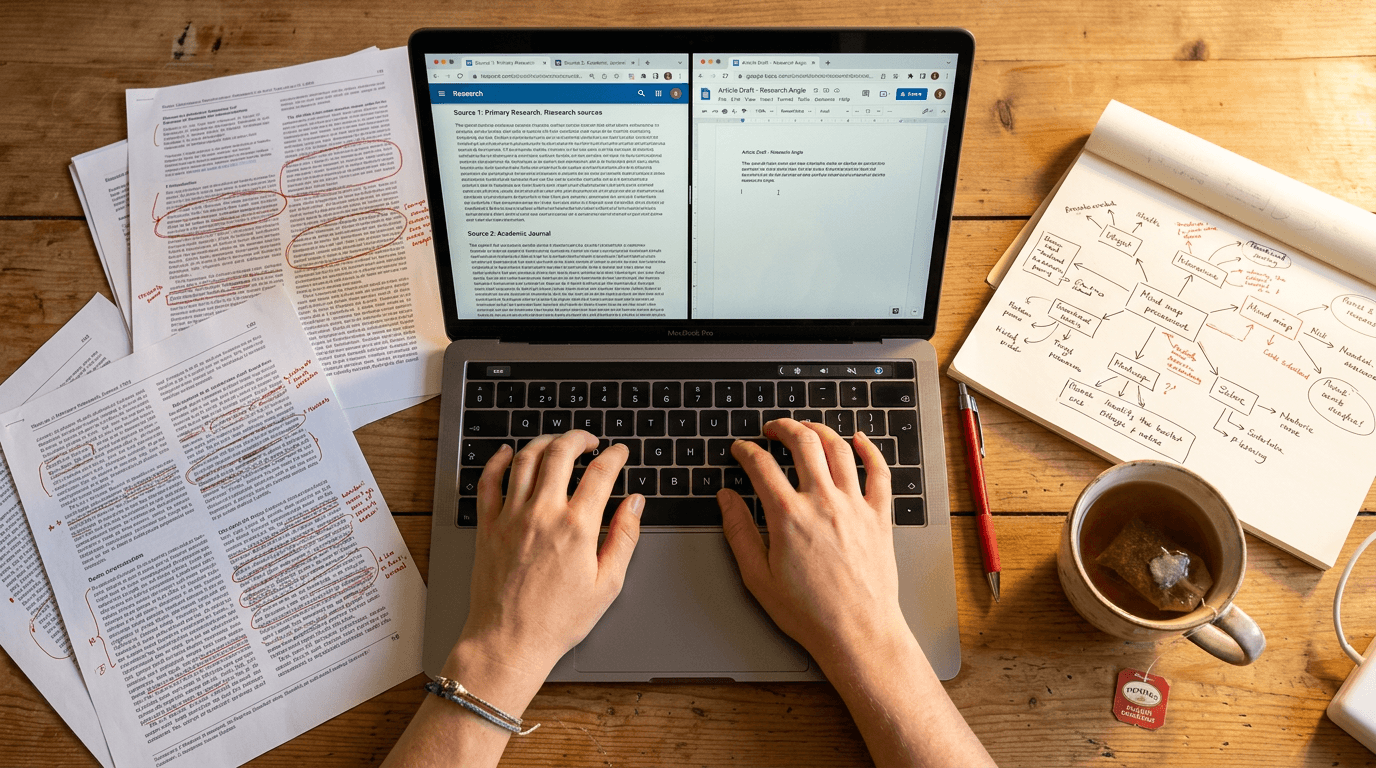
Content research is the thing that takes forever and never feels finished. You open a browser, search for a topic, read six articles, check LinkedIn, scroll through X, watch a YouTube video, and two hours later you've got a pile of open tabs and no clear plan.
AI changes this. Not by doing the thinking for you, but by doing the gathering, filtering, and organising so you can focus on the thinking that actually matters.
I've built research workflows that handle the gathering in minutes. Here's how the whole thing works, what tools are involved, and how to set something similar up for your own content.
Why manual content research is slow (and what AI replaces)
Manual research is slow because you're doing three jobs at once: finding sources, reading them, and deciding what matters. AI is good at the first two. You're still needed for the third.
The real time sink isn't reading. It's searching. Opening ten tabs. Checking if a source is recent. Comparing what different people are saying. Filtering out the noise.
AI tools can search X/Twitter in real time, scan YouTube for recent videos on a topic, pull LinkedIn posts from specific creators, and summarise what they find into a structured brief. All in about 10 minutes.
What you get at the end isn't a finished piece of content. It's a brief that tells you: here's what's being said, here's the gap, here's your angle.
What an AI research workflow actually looks like
A research workflow has three stages: gather, filter, brief.
Gather: The AI searches multiple platforms for recent content on your topic. This includes web search, X/Twitter, YouTube, LinkedIn, and Reddit. Each platform gives you a different angle. X is real-time reactions. YouTube is long-form explanations. LinkedIn is professional takes. Reddit is unfiltered opinions.
Filter: Not everything that comes back is relevant. The AI filters for recency, relevance to your niche, and engagement signals. High-engagement posts on a topic tell you what's resonating. Low-engagement posts on the same topic tell you the market might be saturated.
Brief: The output is a structured brief. It includes the top findings, the main angles being covered, gaps in the conversation, and a recommended angle for your content. This is the thing you actually work from.
Tools that make AI content research practical
You don't need a complicated setup. Here are the tools that matter.
Claude or ChatGPT: For web search, summarisation, and brief generation. Both can search the web and summarise what they find. Claude Projects let you save your research context so it builds over time.
Grok (xAI): For real-time X/Twitter search. Grok's x_search tool pulls live tweets and threads on any topic. Useful for spotting what's trending right now, not what was trending last month.
YouTube Data API: For finding recent videos on a topic, checking view counts, and identifying what's getting traction. You can search by keyword, filter by date, and sort by view count.
Apify: For scraping creator content at scale. If you want to know what specific creators are posting on Instagram or LinkedIn, Apify actors can pull their recent posts, engagement metrics, and captions. I've used the Instagram scraper to pull 94 posts from 8 creators for about 11p.
A step-by-step process you can follow
Here's a simple version of the workflow I use.
Step 1: Pick your topic. Start with a keyword or question. "AI for marketing agencies" or "What's new in ChatGPT this week."
Step 2: Search across platforms. Use Claude or ChatGPT to search the web. Use Grok to check X/Twitter. If the topic has video content, search YouTube. Spend no more than 5 minutes on this step.
Step 3: Filter for quality. Look at engagement. A LinkedIn post with 200 comments is more interesting than one with 3. A YouTube video with 50,000 views in a week is worth reading. Ignore anything older than two weeks unless it's a foundational piece.
Step 4: Identify the gap. What's everyone saying? What's nobody saying? Where's the angle that hasn't been covered? This is where your content comes from.
Step 5: Write the brief. Summarise: top 3 findings, the main angle being covered, the gap, your recommended angle, and 2-3 specific hooks you could use.
What AI content research costs
Less than you think.
Most of the tools above have free tiers or very low per-use costs. Claude and ChatGPT have free plans. Grok is free for basic use. The YouTube Data API gives you 10,000 units per day for free.
Apify charges per usage. I've run full creator scrapes across 8 accounts for under 50p. A single research session using all of these tools together costs pennies.
The real cost is your time setting it up the first time. Once the workflow exists, running it takes minutes.
What to watch out for
AI research has blind spots. Here are the ones that matter.
Recency bias. AI tools are good at finding what's trending now, but they can miss slower trends that build over months. Cross-check with your own industry knowledge.
Platform gaps. Some platforms are harder to search than others. Reddit blocks most automated tools. YouTube transcripts require a separate tool. LinkedIn data is limited unless you use a scraper.
Source quality. AI doesn't distinguish between a well-researched article and a rushed blog post. You still need to evaluate what's worth using.
Over-reliance. The brief is a starting point. It's not the finished product. The best content comes from combining AI research with your own experience, opinions, and client conversations.
Start with one workflow and build from there
You don't need to set up every tool at once. Start with Claude or ChatGPT and a simple web search. Ask it to find the top 5 articles on your topic from the past week, summarise the key points, and suggest an angle for a LinkedIn post.
That's a 5-minute task. If it saves you even 30 minutes of manual research, you'll keep doing it. Then you add more tools as you need them.
The goal isn't to automate your thinking. It's to automate the busywork so your thinking is better.
Founder of Stepping Stones AI. I help business owners and marketing teams get practical with AI so they stop wasting time on tasks a machine could handle.
Want to learn how to use AI properly?
Book a free alignment call and we'll work out where ChatGPT can save you the most time.
Book a Friendly Call