What Is ChatGPT and How Can Business Owners Actually Use It?
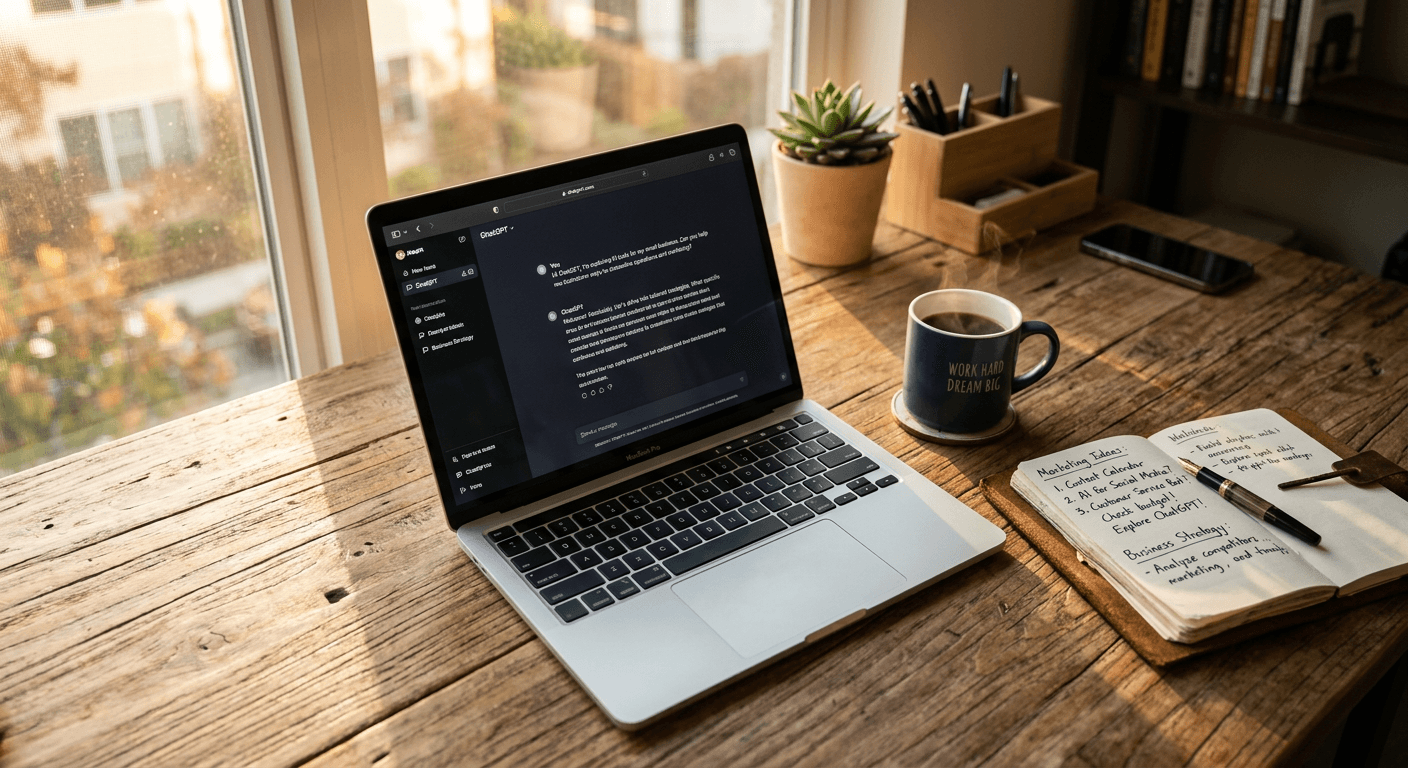
If you've heard the buzz about ChatGPT but aren't quite sure what it actually does or whether it's relevant to your business, you're not alone. Most business owners I work with started in exactly the same place.
This guide breaks it down in plain English. No jargon, no hype. Just a clear explanation of what ChatGPT is, what it can realistically do for your business and how to start using it today.
What is ChatGPT, exactly?
ChatGPT is an AI tool made by OpenAI. You type in a question, instruction or prompt, and it gives you a written response. Think of it as a very capable writing assistant that can also research, analyse, summarise and brainstorm.
It doesn't browse the internet in real time (unless you turn that feature on). Instead, it draws on a massive amount of training data to generate helpful, human-sounding responses.
The free version gives you access to GPT-4o mini. The paid version (ChatGPT Plus, currently $20/month) unlocks the full GPT-4o model, which is significantly more capable for business tasks.
What can it actually do for a business owner?
Here's where it gets practical. These are real use cases I've helped business owners set up in training sessions:
1. Write first drafts in minutes
Blog posts, LinkedIn updates, email newsletters, website copy, proposals. ChatGPT won't replace your voice, but it will get you 80% of the way there in a fraction of the time. You edit and polish rather than starting from a blank page.
2. Summarise long documents
Paste in a report, a set of meeting notes, or a competitor's web page and ask ChatGPT to pull out the key points. It's brilliant for turning a 20-page PDF into a one-page summary.
3. Research and brainstorm
Need 10 blog post ideas for your industry? Want to understand the pros and cons of a new marketing channel? ChatGPT can generate ideas and frameworks far faster than googling and reading articles.
4. Create templates and systems
Standard operating procedures, onboarding checklists, email sequences, customer FAQ documents. Once you give ChatGPT the right context, it can produce structured templates you can use again and again.
5. Handle repetitive communications
Customer replies, follow-up emails, meeting agendas, internal updates. If you find yourself typing similar messages every week, ChatGPT can draft them in seconds.
What it can't do (yet)
It's worth being honest about the limitations:
- It doesn't know your business unless you tell it. The quality of the output depends entirely on the quality of your input.
- It can get things wrong. Always review what it produces, especially for facts, figures and anything client-facing.
- It's not a replacement for expertise. It's a tool that makes experts faster, not a shortcut around knowing your stuff.
The gap between casual use and real results
Most people try ChatGPT once, get a generic response and write it off. That's like opening Excel, typing a number into one cell and concluding spreadsheets are useless.
The difference between average results and genuinely useful output comes down to three things:
- Context. Tell ChatGPT who you are, who your audience is and what you're trying to achieve.
- Structure. Give it a clear format to follow. Don't just say "write me a blog post." Say "write a 600-word blog post for small business owners in the UK, covering X, Y and Z, in a conversational tone."
- Iteration. Treat the first response as a starting point. Ask it to refine, shorten, change the tone, or add examples.
How to get started today
You don't need a paid account to start. Head to chat.openai.com, create a free account and try one of these:
- Paste in your "About" page and ask: "Rewrite this to sound more confident and benefit-focused."
- Type: "Give me 10 LinkedIn post ideas for a [your industry] business owner in Liverpool."
- Ask: "Create a weekly email template I can send to clients after a meeting, summarising what we discussed and the next steps."
Start small. Pick one task you do every week that involves writing, and see if ChatGPT can give you a solid first draft.
Want to go further?
If you want to learn how to build ChatGPT into your daily workflow properly, with custom prompts, brand voice documents and repeatable systems, that's exactly what I cover in my 1-to-1 training sessions.
Most clients see the time investment pay for itself within the first month. Book a free alignment call and we'll work out where AI can save you the most time.
Founder of Stepping Stones AI. I help business owners and marketing teams get practical with AI so they stop wasting time on tasks a machine could handle.
Want to learn how to use AI properly?
Book a free alignment call and we'll work out where ChatGPT can save you the most time.
Book a Friendly Call